
Description
Run your Tally from Anywhere, Anytime, Any device with Sugam Tally Cloud
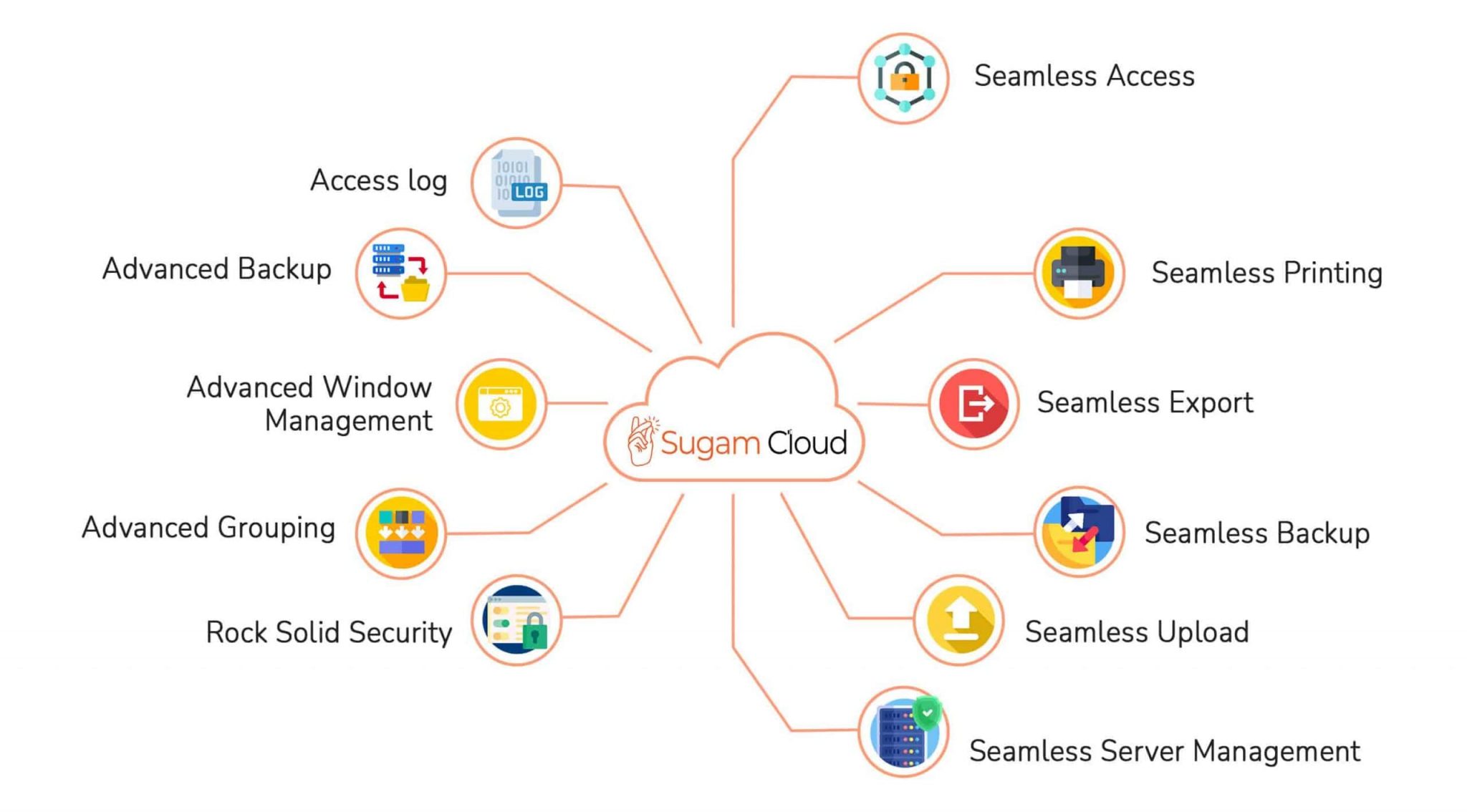
Seamless Access
- Access your tally from any browser.
- No need for client software.
- No extra settings are required.
Seamless Printing
- Any printer connected to PC
- Network printers.
- No extra settings are required
Seamless Backup
- Backup directly to your PC or Google Drive.
- Scheduled backup.
- No extra settings are required.
Seamless Export
- Exports directly to your PC (Downloads folder).
- No extra settings are required.
Seamless uploads
- Upload GSTR templates, Export Templates, TDL, Logo, Settings files directly.
- No extra settings are required.
Rock-Solid Security
- Linux back-end.
- SSL secured browser accessed.
Access log
- Logs of User Access like running Tally, Uploading Files, Backing up are all available to see.
- Logs of Admin Access like Data Management, Tally Management, User Management are all available to see.
Advance Grouping
- A Set of Users get only a particular Set of Companies
- Users in one group cannot see Companies of other Groups while using Tally
Advance Window Management
- All users can open 3 Tally windows at a time.
- Admins can define more number of Tally windows for Users
Advance Backup
- Backups are taken automatically from Tally
- Whether your Tally is closed or running Backup will be done at a scheduled time